
RIONEX WELLNESS
How to order
Choose where you are ordering from to see the steps.
- 1
Browse the Collection
Go to COLLECTION. Search or pick a category, and tap a product picture to read its description.
- 2
Choose and add to bag
Select a price option (box or vial) if shown, then tap “Add to bag”. Add as many products as you like.
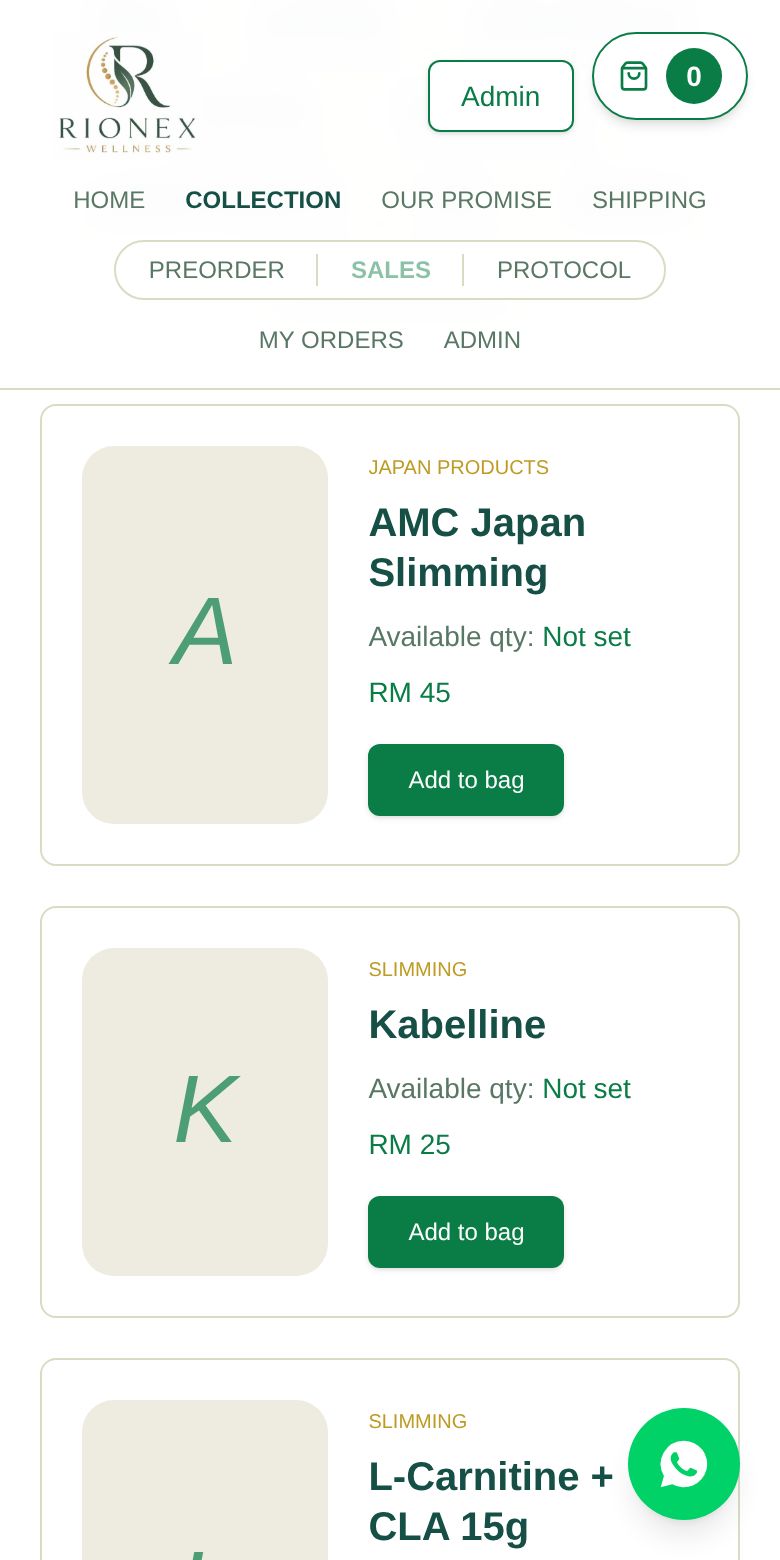
- 3
Open Your bag
Tap the bag icon at the top right. Tick the items you want to pay for, use − / + to change quantity, and check the breakdown and total.
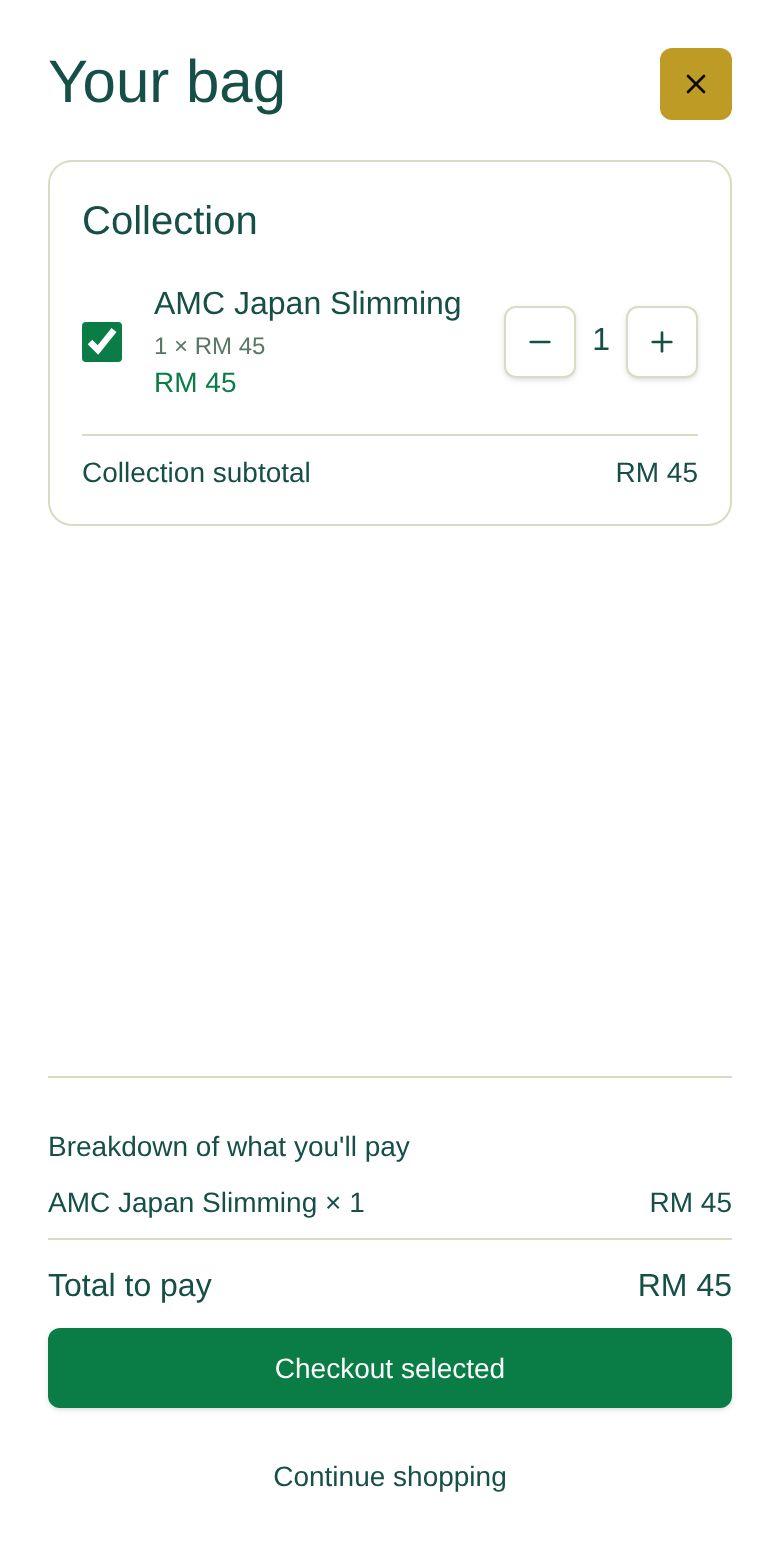
- 4
Checkout
Tap “Checkout selected”, then fill in your name, email, phone number and delivery address. New customers set a password and verify their email.
- 5
Send to WhatsApp
Submit the order. WhatsApp opens with your full order details — just press send and we will confirm payment with you.
- 6
Track your order
Open MY ORDERS anytime to see your Collection, Preorder and Sales orders and their payment status.